Plan with confidence
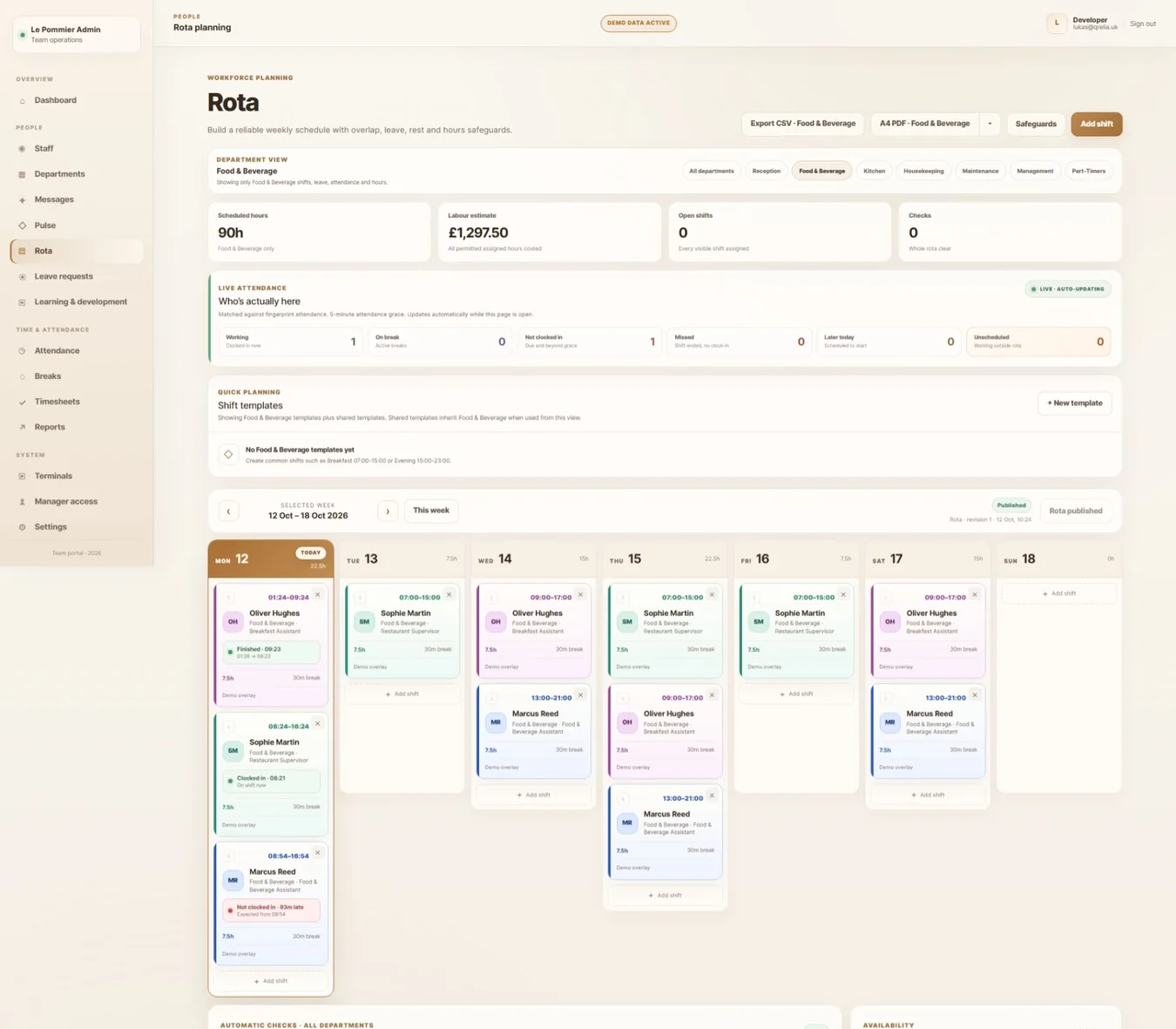
Week-by-week rota, departments, shift templates, publish revisions and safeguards against conflicting shifts.
A place for the planning, the people and everything that happens between the first clock-in and the final handover.
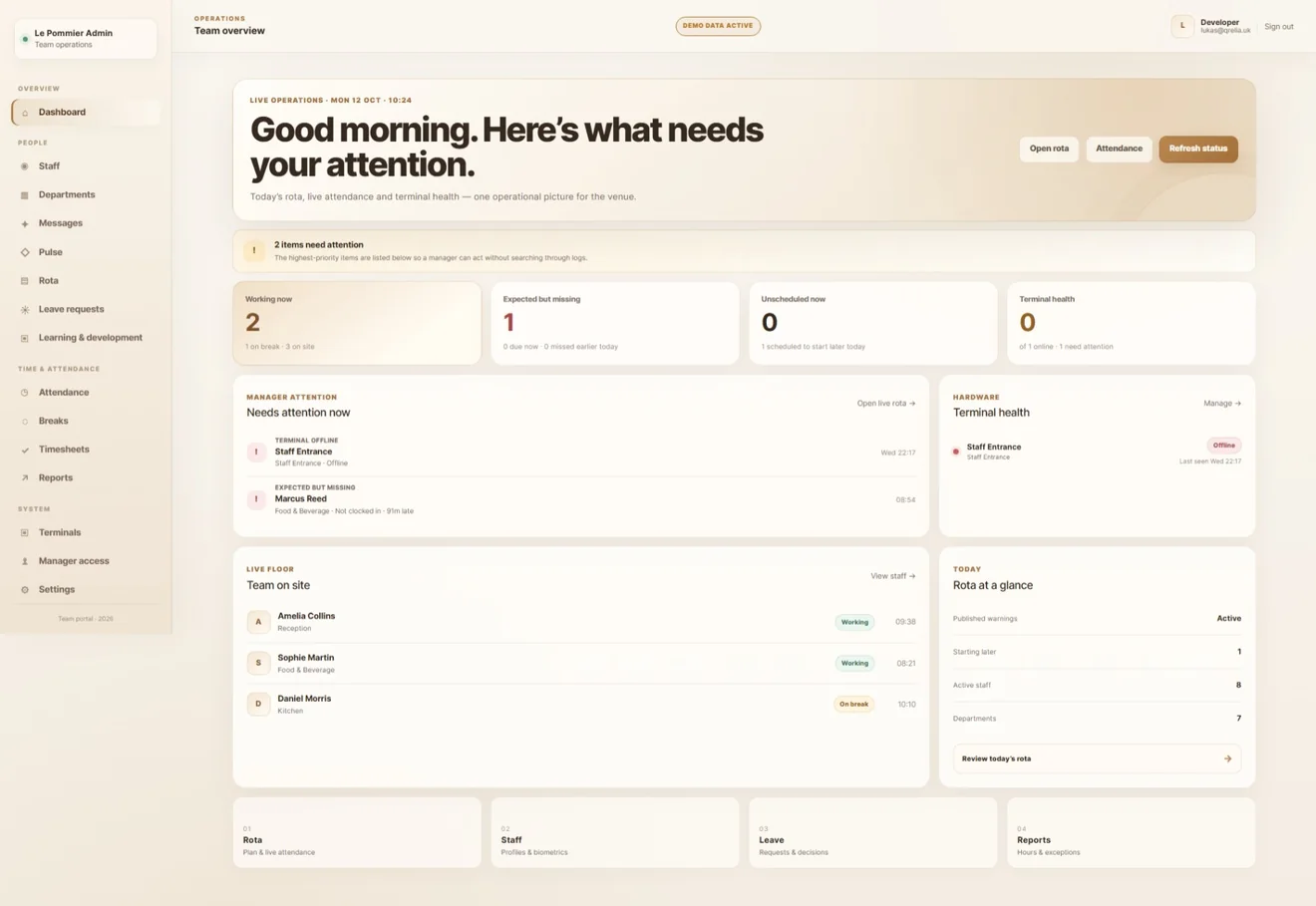 ACTUAL MANAGER WORKSPACE
Pulse is built around the questions managers actually ask: Who is scheduled? Who has arrived? Has everyone taken their break? Where does the rota need attention?
Week-by-week rota, departments, shift templates, publish revisions and safeguards against conflicting shifts.
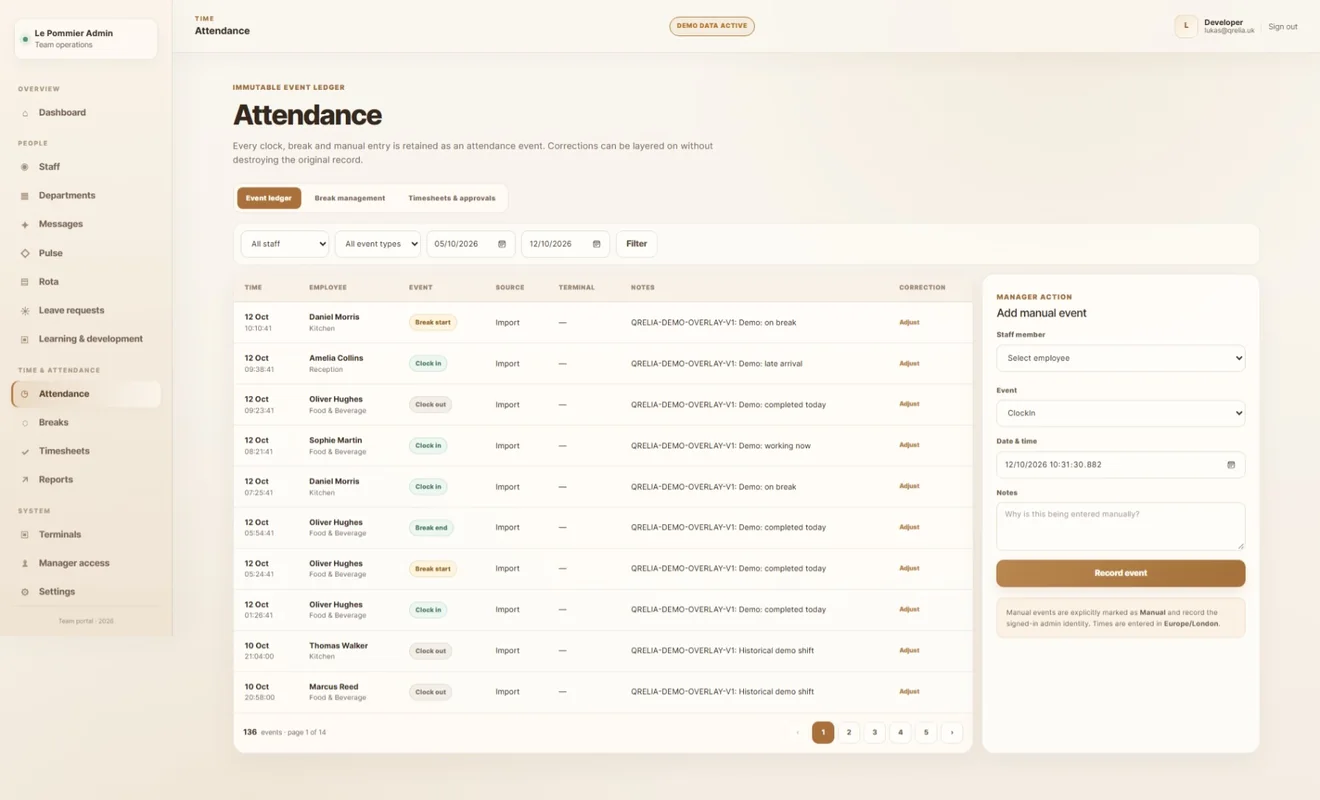
Recorded attendance and breaks alongside the work that was scheduled.
Leave decisions, staff messaging and learning assignments in the same operational workspace.
Move between departments, add shifts, use templates and check hours as you plan. Publish when the rota is ready, and keep the week readable as the operation changes.
Clock-ins, clock-outs, breaks and manual adjustments form a clear attendance history. Timesheets help reconcile the planned shift against the recorded one, without losing the context behind an exception.
When leave, staffing and access live in different places, small issues become bigger ones. Pulse keeps people-management decisions connected to the rota and the working day.
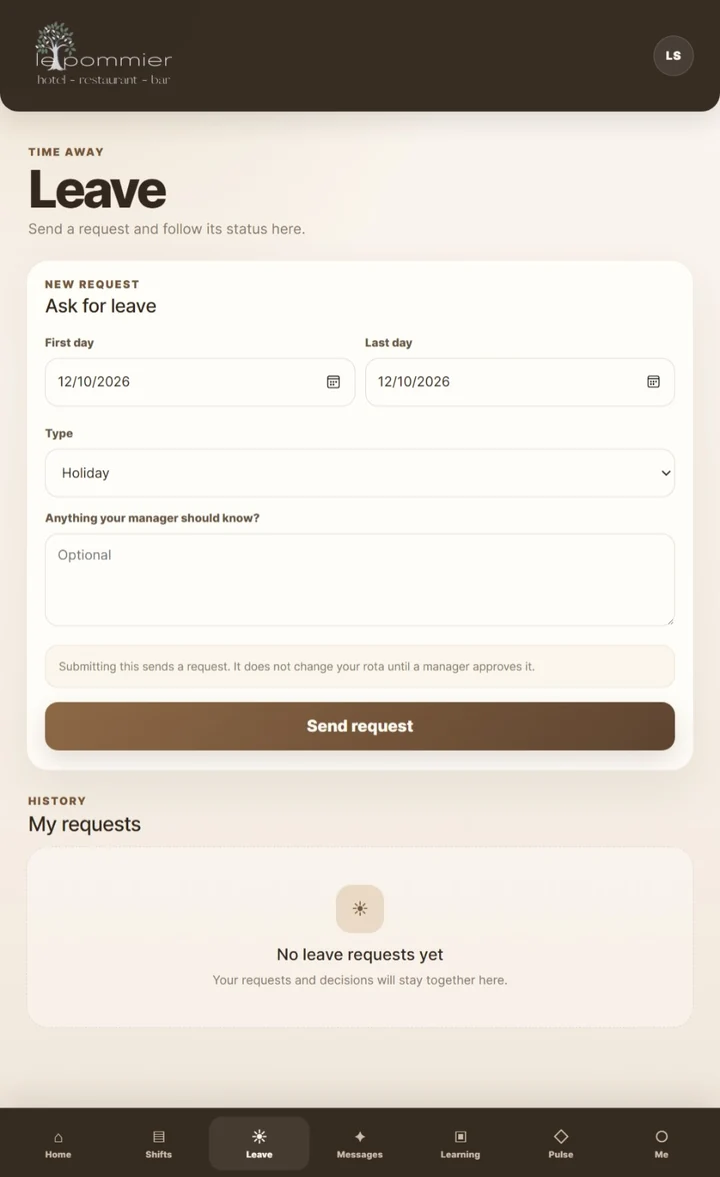
Employees ask for leave in Crew. Managers review requests in the admin workspace, with decisions reflected in the team experience.
Configure practical rota checks, rest periods and shift rules that help surface problems before the week is published. These checks support, rather than replace, employer compliance responsibilities.
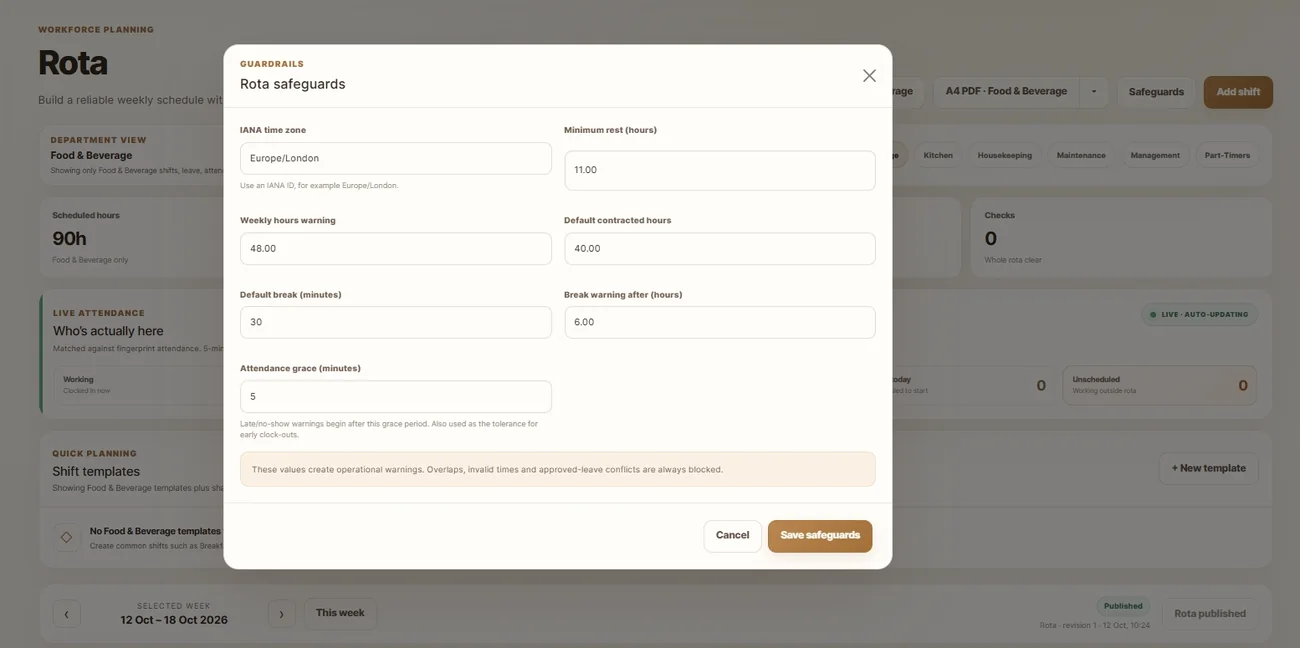
The manager dashboard brings attention items, team presence, rota status and connected terminal health into one view. Less time looking for the problem, more time actually solving it.
Not every manager needs every control. Pulse separates general management oversight from department-scoped responsibilities, so access follows the structure of the venue.
Your venue is responsible for its own staff data policies and legal requirements. We can discuss the relevant setup as part of onboarding.
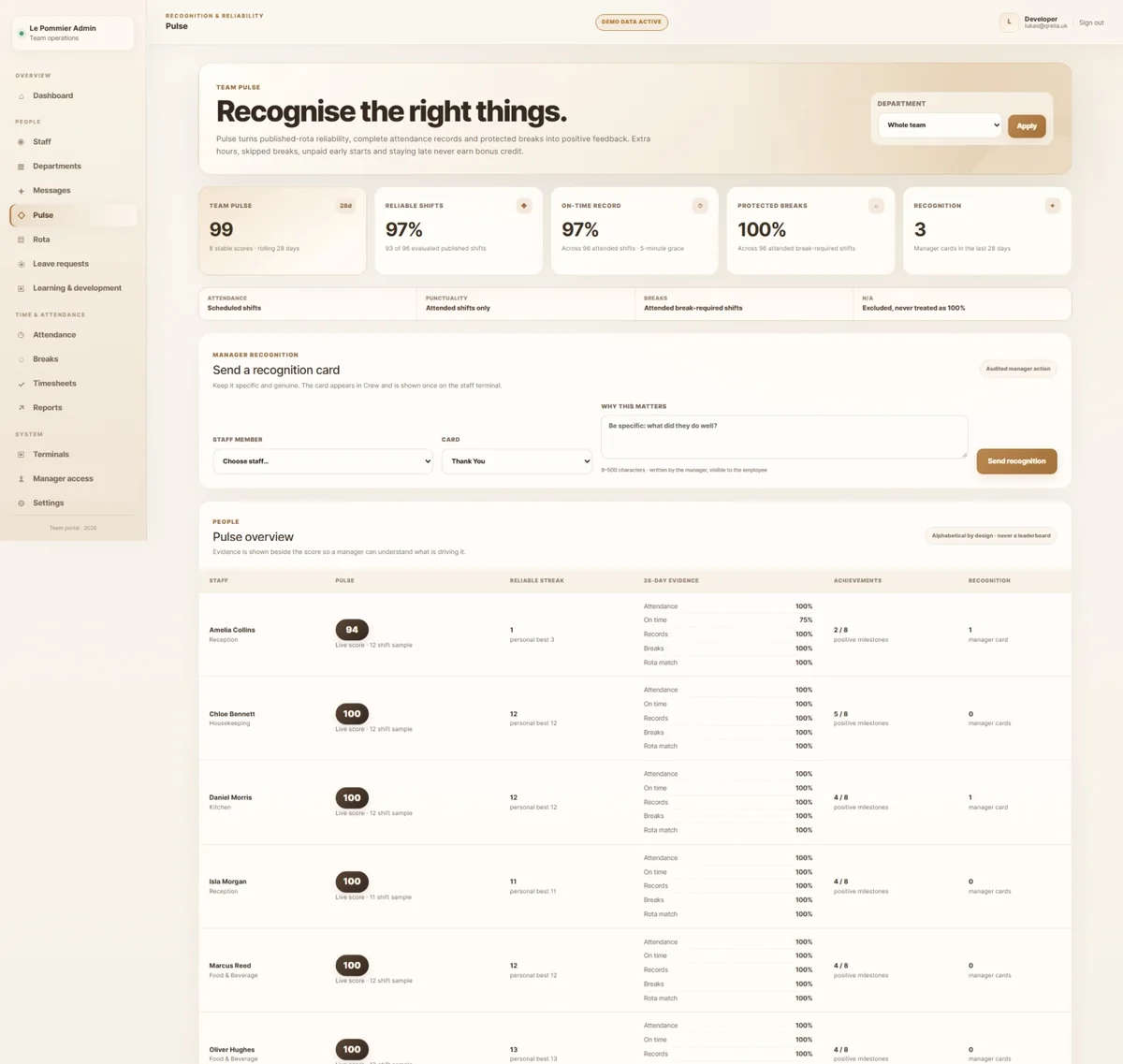
Tell us about your teams, departments and the way you schedule today. We'll walk through the relevant parts of Pulse with you.
Arrange a walkthrough ↗