One team.
One rhythm.
One Pulse.
The rota. The clock-in. The learning. The little things that make a shift run smoothly. All together, in one beautifully connected place.
Designed around real shifts.
Developed with a working hotel in Guernsey.
A hundred moving parts.
One beautifully clear picture.
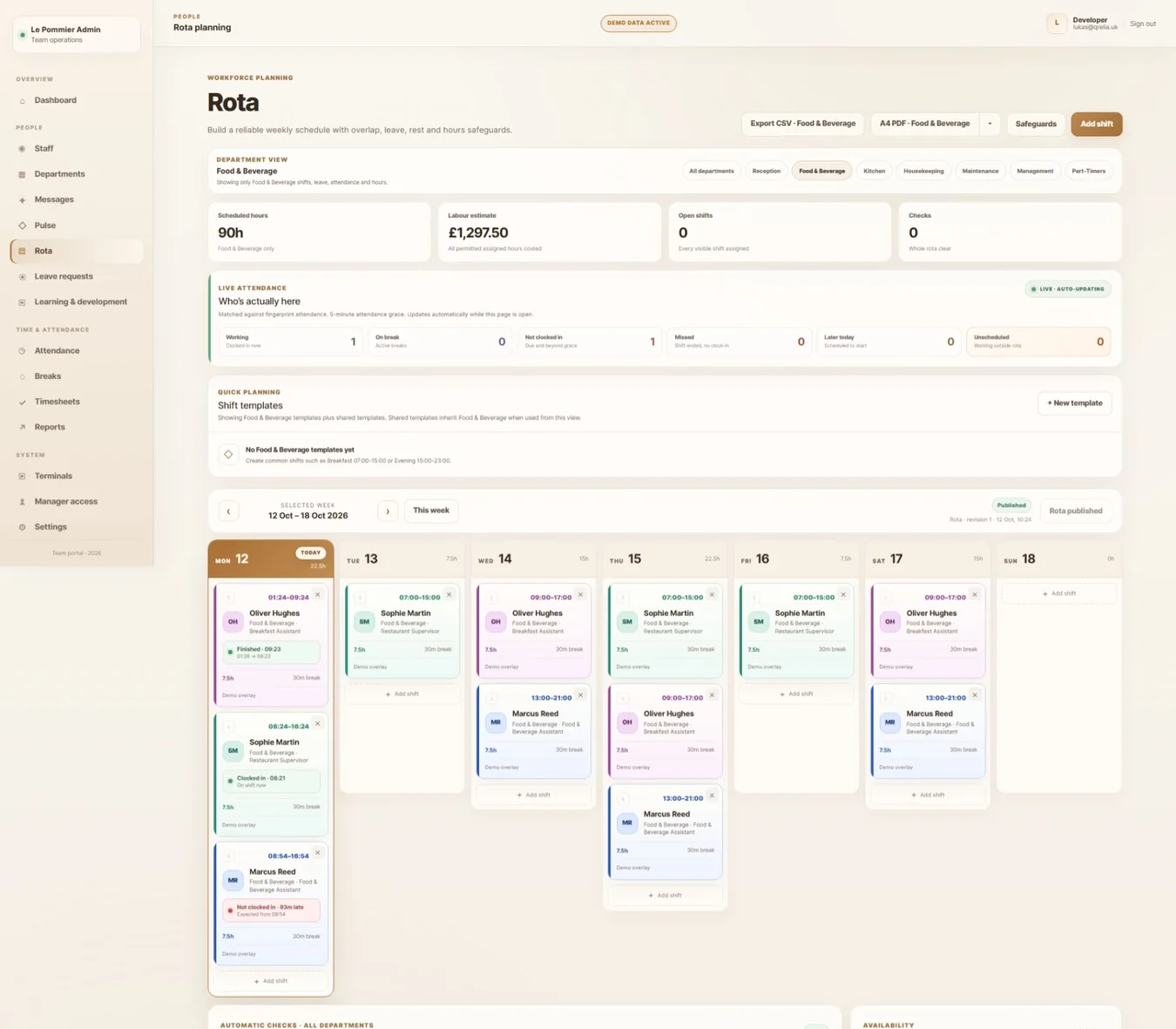
A great shift is more than names in boxes. Pulse makes planning, attendance, communication and development work as one, so managers see what matters and staff know where they stand.
The rota, sorted.
Plan by department, reuse shift templates, check working patterns and publish confidently.
Explore scheduling ↗Know who's here.
Connected clock-ins, breaks, attendance records and timesheets. The reality, not the guesswork.
Explore attendance ↗Keep everyone close.
Shifts, leave, messages and learning in one simple employee experience.
Meet Crew ↗Help good people grow.
Give training a home with courses, assessments and a clear view of team capability.
Meet Learning Hub ↗Clarity for the
people in charge.
Not a sea of disconnected dashboards. One workspace that brings the important parts of the operation into focus, from next week's rota to who's on the floor right now.
Build the week.
Without the chaos.
Department views, reusable templates, automatic checks and clear publish states. Every shift has its place, and the team knows when the plan is ready.
Inside the platformReal product interface. Some screenshots contain illustrative demo staff and rota data.
From the first plan
to the final clock-out.
Follow the natural rhythm of the working day. Everything connects without asking your team to become software experts.
Plan
Build and publish shifts department by department.
Share
Crew puts the published rota in everyone's pocket.
Arrive
Staff clock in at the dedicated on-site terminal.
Run
Breaks, messages and learning stay connected.
Understand
Review the actual hours, records and progress.
Your team
has a life
beyond the rota.
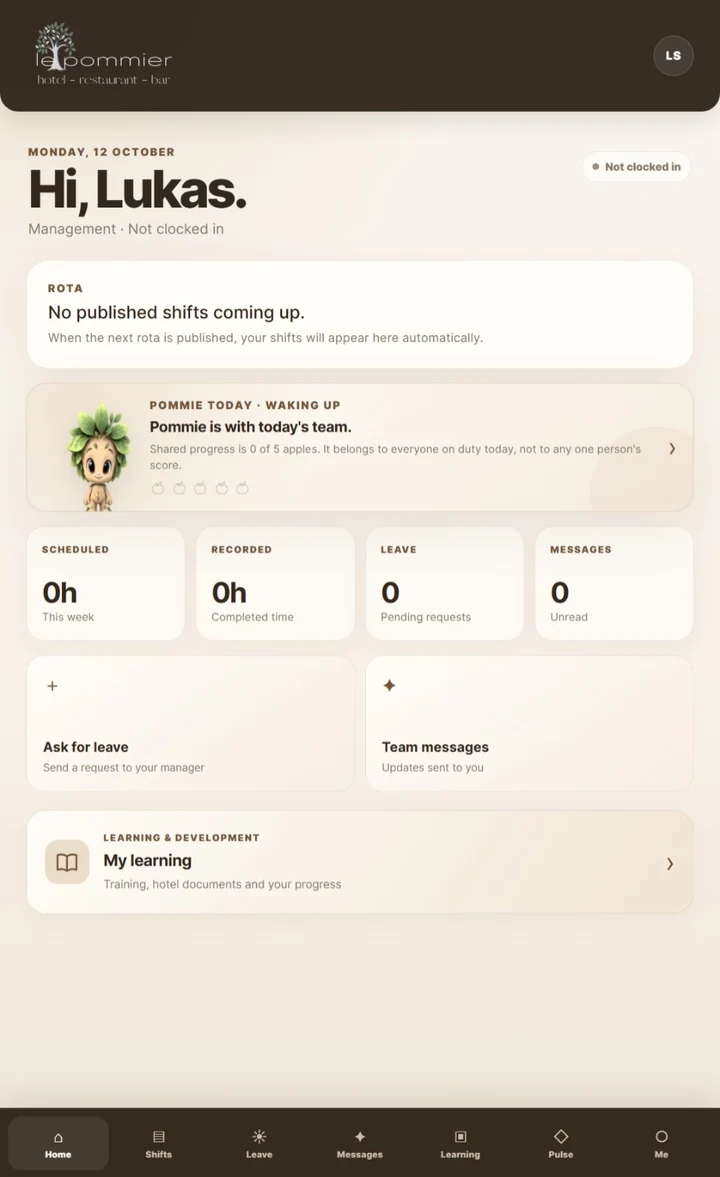
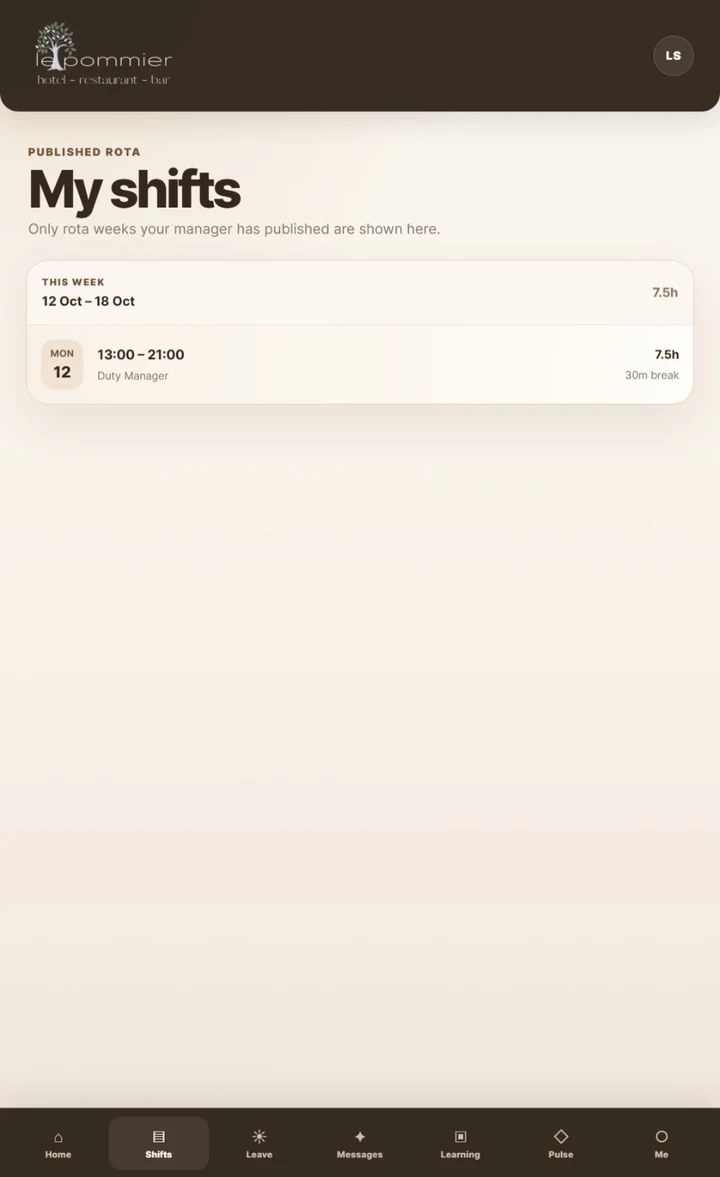
Meet Crew, the employee side of Pulse. Published shifts, leave requests, learning and messages are right where people need them: on their phone.
- See published shifts without asking around
- Request leave and follow the decision
- Catch up on learning and team updates
YOUR POCKET.↗
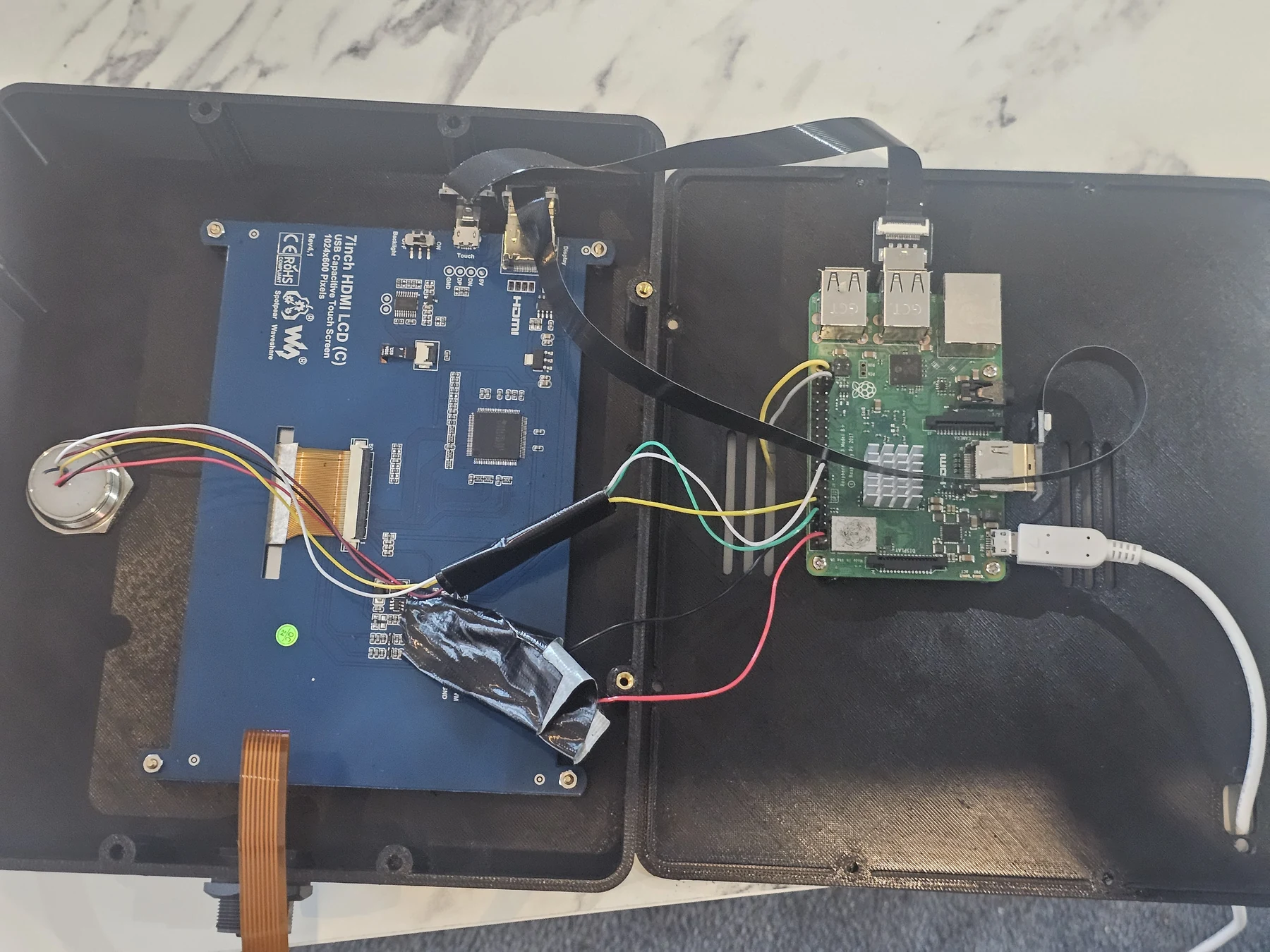
NOT A RENDER.
The workday
starts right here.
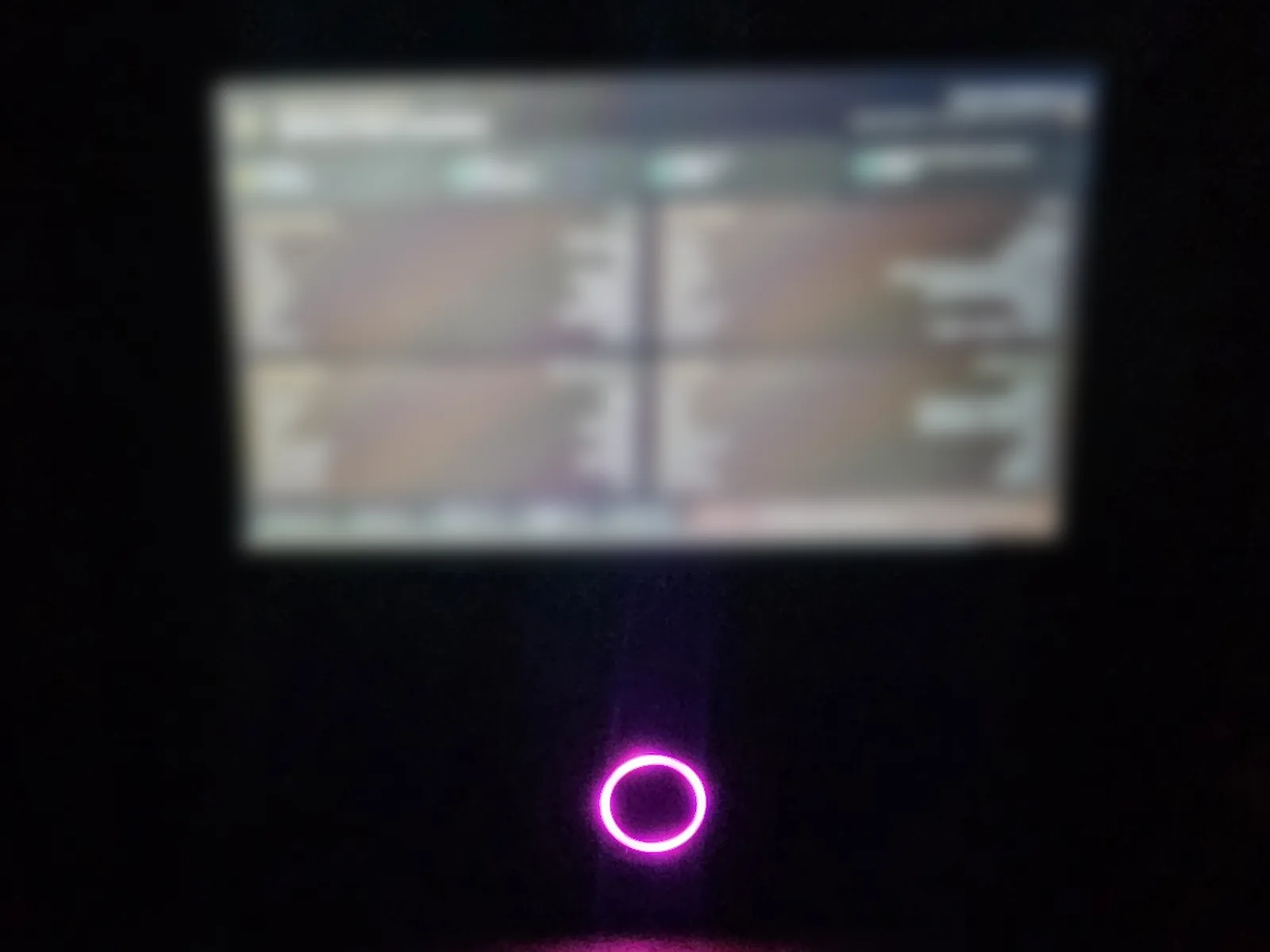
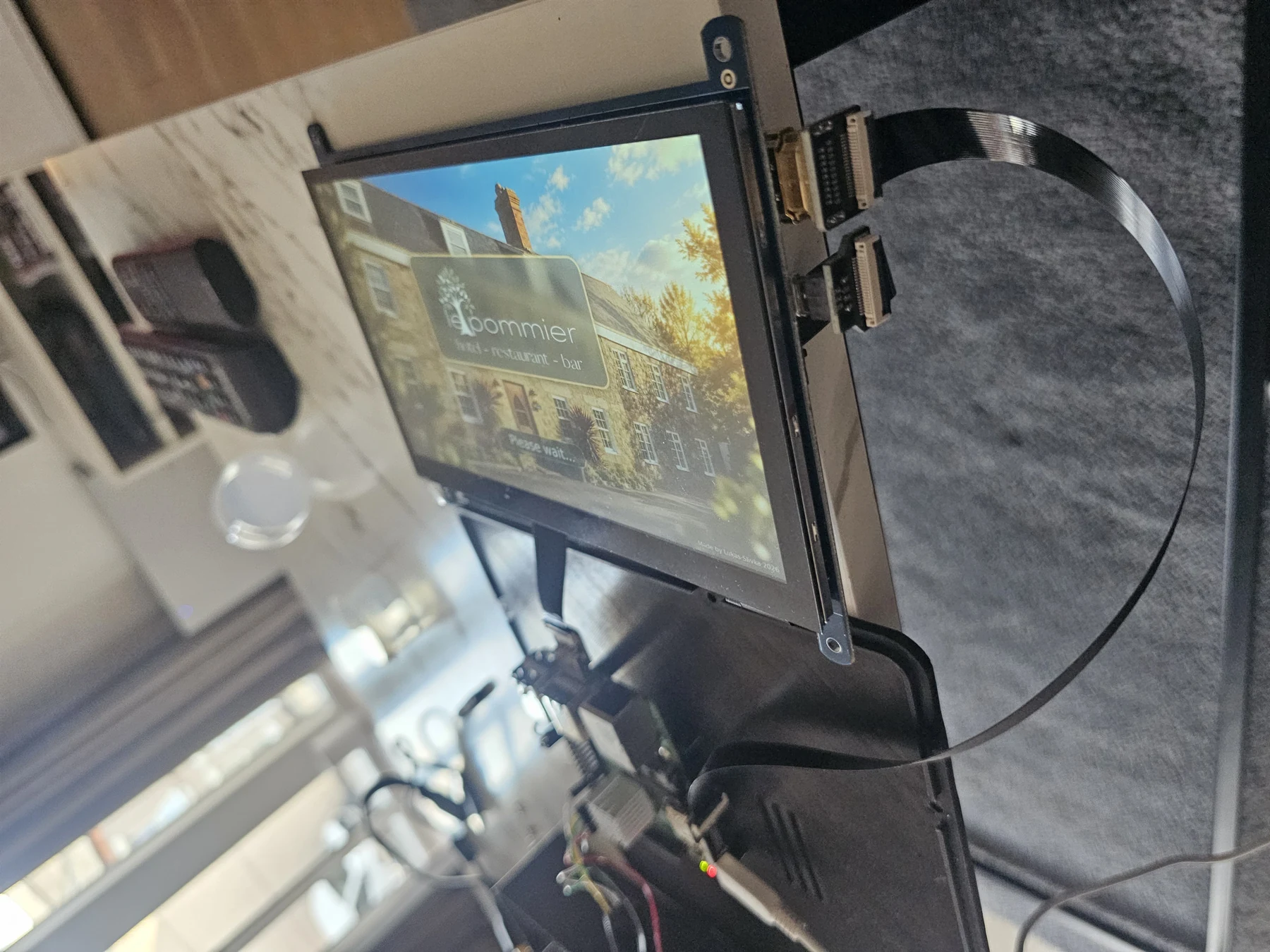
A purpose-built, touch-enabled clock-in terminal with fingerprint recognition, visual feedback and a direct connection to attendance. Designed, assembled and tested as real hardware.
Better teams
are built, not found.
Training should lead somewhere. Pulse Learning Hub brings hospitality learning, document acknowledgement, quizzes and a competency matrix into the same workspace as the people doing the work.
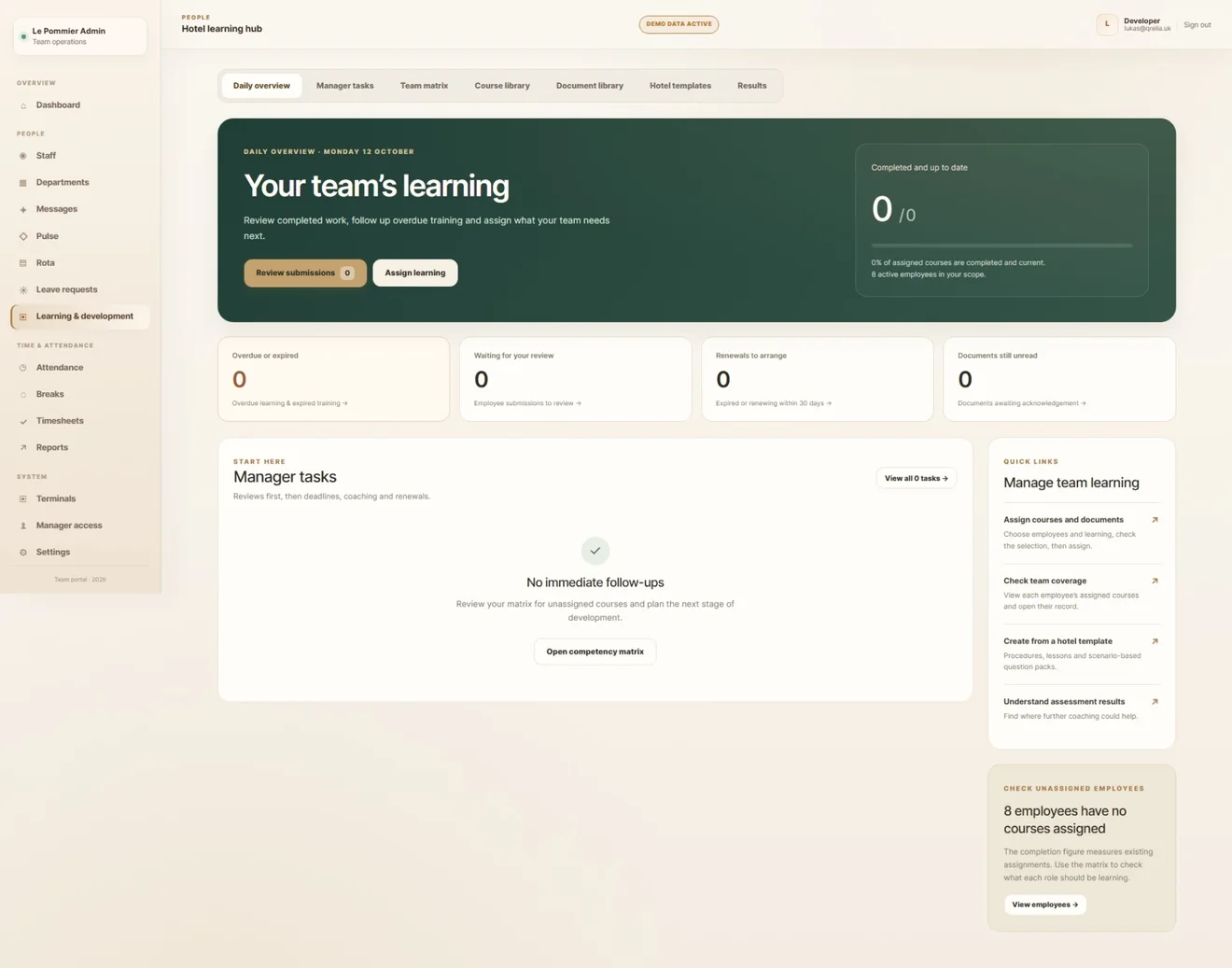
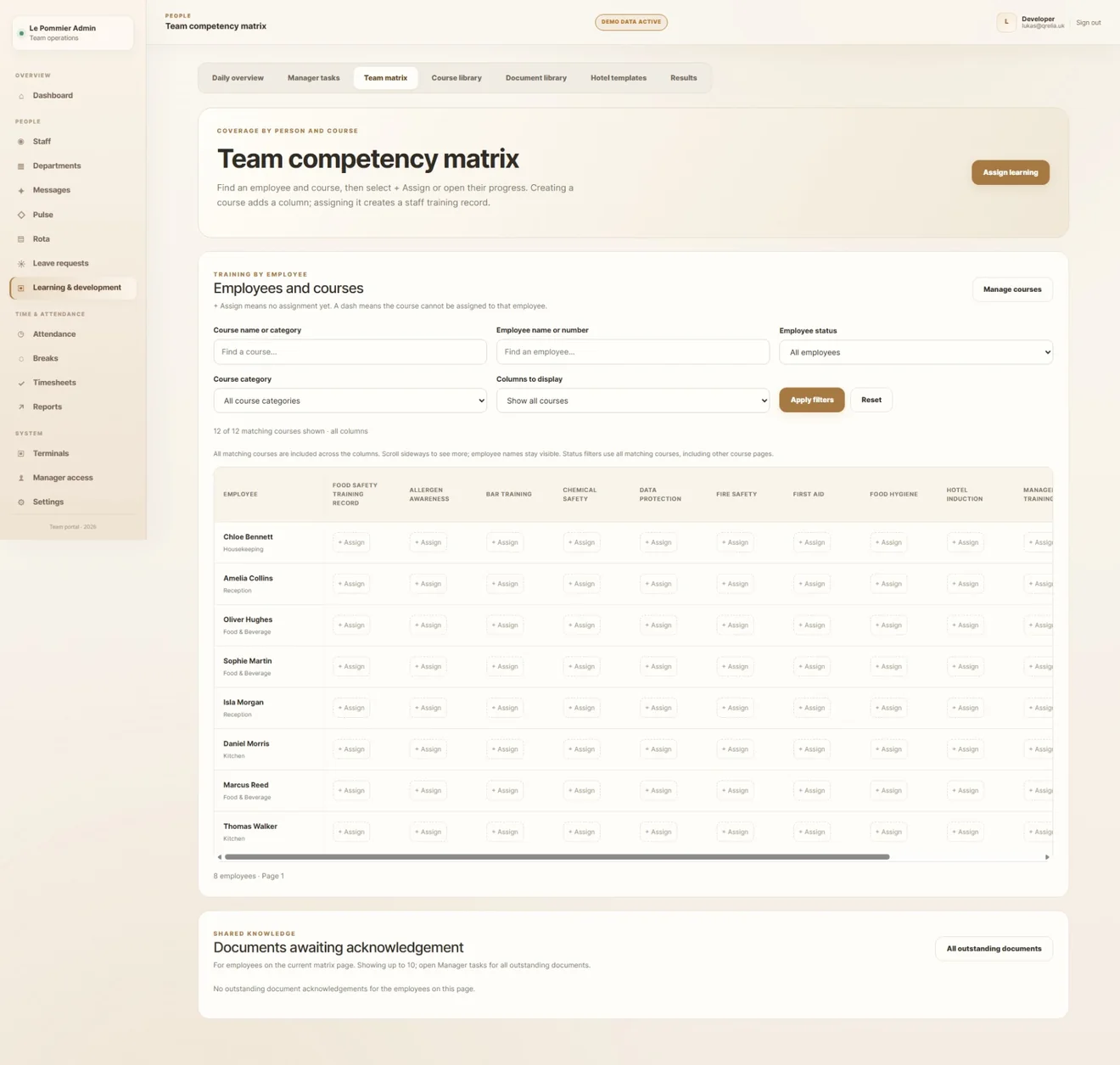 TEAM COMPETENCY MATRIX ↗
Serious software.
A little joy.
This is Pommie, Pulse's little team companion. Shared progress makes everyday moments feel a little more connected, while Pulse Score recognises reliability, proper breaks and accurate records, not unhealthy overwork.
We didn't start
with a feature list.
We started with a shift.
QRelia Pulse was shaped alongside hospitality operations at Le Pommier Hotel in Guernsey. The scheduling tools, Crew portal, Learning Hub and physical terminal grew from the practical details that make busy days work.
This isn't a speculative concept. It's a working product with real interfaces and real hardware, built with the people who understand a hospitality shift.
Read the original build storyMade by someone who knows the operation from the inside.
The story,
in motion.
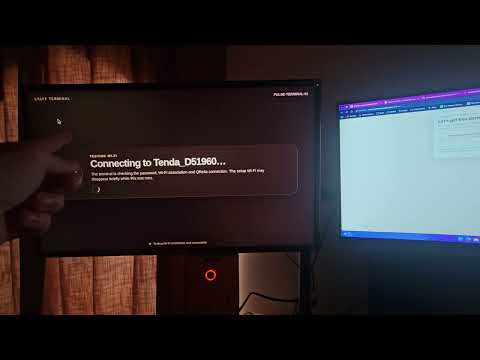
Four original videos from the QRelia Pulse project. Real recordings, linked directly from the build story.
Watch all four videos
Everything you
might be wondering.
We'd rather answer useful questions than make you sit through a generic sales pitch.
Ask us something else ↗Is Pulse designed for hotels or restaurants? +
Both. Pulse was developed around a real hotel operation, including multiple departments. Rota planning, attendance and learning are also relevant to restaurants and other shift-based hospitality teams.
Do staff need to install an app? +
Crew is a mobile-friendly web experience. Employees access their shifts, leave requests, messages and learning through a browser; it can also be added to a compatible phone's home screen.
Do we need the fingerprint terminal? +
The terminal is a dedicated hardware part of Pulse, but requirements differ by venue. We can talk through the appropriate clock-in setup during your walkthrough, including network, power, installation and data protection considerations.
Can managers access only their departments? +
Pulse supports role-based and department-aware management access. Permissions distinguish the responsibilities of managers and wider venue administrators.
Does the website create an account immediately? +
Not yet. This site offers product information and a direct enquiry. We agree the right rollout with you before any venue account, staff data or hardware is provisioned.
How much does it cost? +
Pulse pricing and terminal requirements are discussed for each rollout. We won't show an invented monthly rate or hardware price. See the plans & rollout approach.
Ready to find
your team's rhythm?
Show us how your venue runs today. We'll show you where Pulse can make the biggest difference.
Let's talk about your venue ↗No generic demo. A conversation about your actual operation.